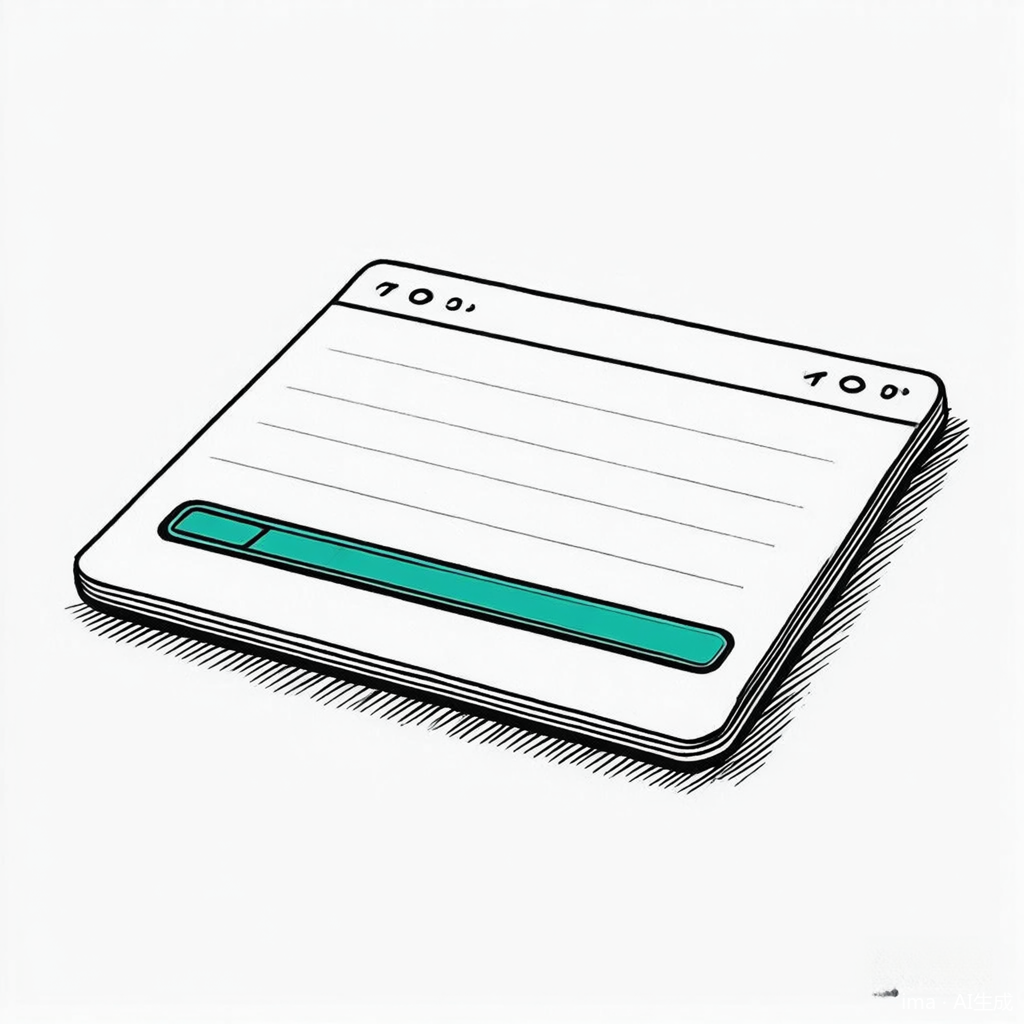
进度条其实是一个不是很必要的功能,不过,有这个功能,在看文章的时候就能大概知道阅读的进度,总体上如果不是太耀眼,还是挺好的一个功能。要实现这个功能,只需要在Ghost后台的Code injection里面添加两段代码就可以了。
效果参考

Scroll progress widget

代码
函数
在Site footer添加如下代码:
<progress value="0" max="100" data-progress-bar></progress>
<script>
  function getScrollPercent() {
    const h = document.documentElement,
          b = document.body,
          st = 'scrollTop',
          sh = 'scrollHeight';
    return Math.round((h[st]||b[st]) / ((h[sh]||b[sh]) - h.clientHeight) * 100);
  }
  const progressBar = document.querySelector('[data-progress-bar]');
  if (progressBar) {
    progressBar.setAttribute('value', getScrollPercent());
    window.addEventListener('scroll', () => {
      progressBar.setAttribute('value', getScrollPercent());
    });
  }
</script>
在Site header添加如下代码:
<style>
  [data-progress-bar] {
    -webkit-appearance: none;
    -moz-appearance: none;
    appearance: none;
    position:fixed;
    top:0;
    width:100%;
    height:2px;
    background-color:transparent;
    z-index:1100;
  }
  [data-progress-bar]::-webkit-progress-bar { background: transparent; }
  [data-progress-bar]::-moz-progress-bar { background: var(--ghost-accent-color); }
  [data-progress-bar]::-webkit-progress-value { background: var(--ghost-accent-color); }
</style>
有些参数是可以自己调整的,比如进度条的宽度。
参考资料

Scroll progress widget in Ghost | Bright Themes
Learn how to install the Ghost CMS Scroll Progress widget for a better reading experience. Boost reader engagement on your Ghost CMS site with the Scroll Progress widget.

发表评论